UE5 | Game Mechanics
Educational Videos on Game Mechanics
Services
Video Project
Company
UE5 | Game Mechanics
Location
Turkiye
Year
2025
Tools
Unreal Engine 5
Blender
Info
Some videos from my UNREALISTONE channel featuring educational content on game development using Unreal Engine 5, blueprints, scene design, and animation.
Video Topic
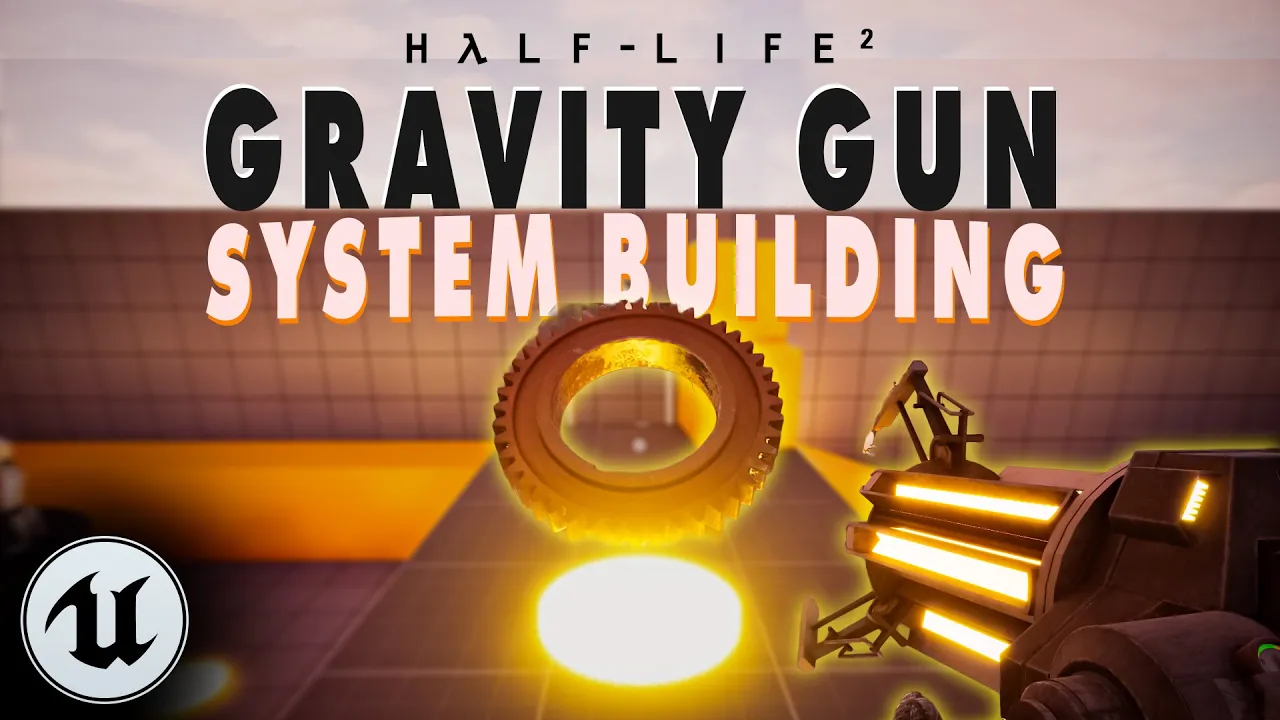
In UE5, I build the iconic "Gravity Gun" mechanic from Half-Life 2 entirely with "Blueprint" inside the "First Person Template," referencing Valve’s tradition of physics-driven gameplay.
Video Topic
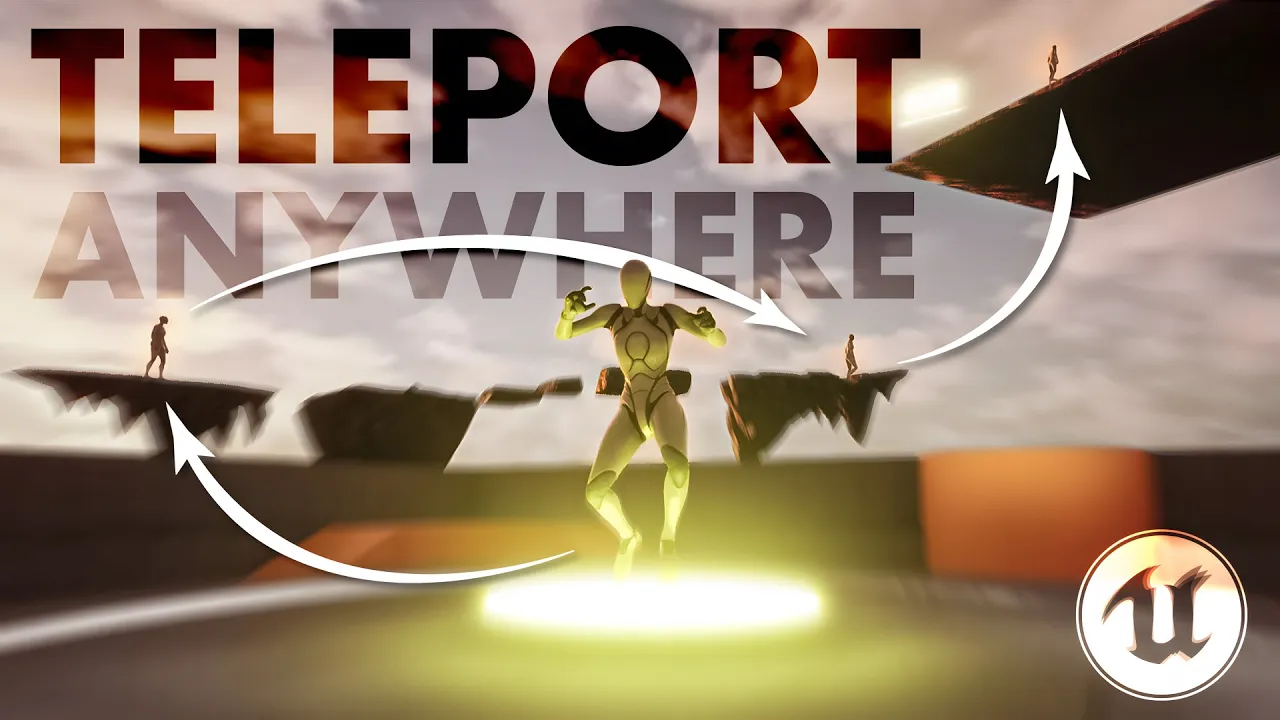
This video shows how to build a teleport mechanic from scratch in Unreal Engine 5. First, we apply the basic approach with Cast To, and then we implement a more efficient solution using Blueprint Interface. We also add an FOV camera effect during teleport to create a wormhole-like visual.
Video Topic
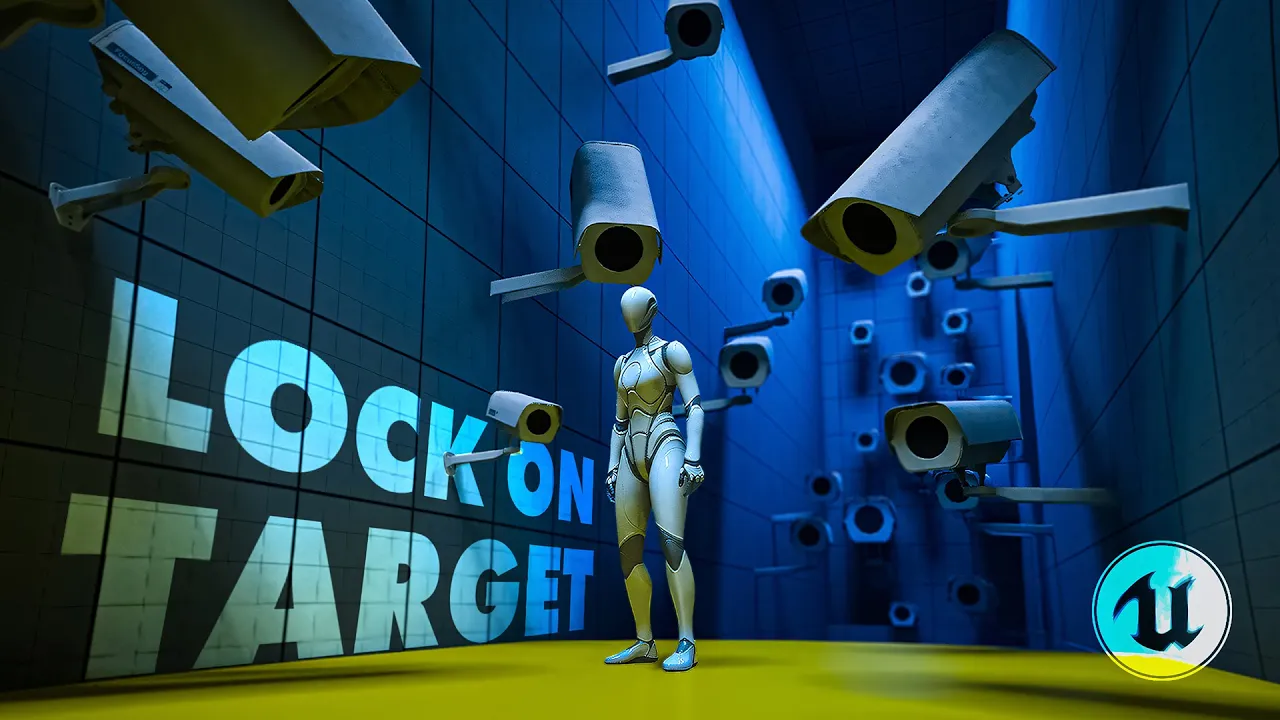
In UE5’s "Third Person Template," we build a security camera that tracks the character using "Blueprint"; step by step from setting up an "Actor" and the "Static Mesh" + "Arrow" hierarchy, to an "Event Tick" - "Set World Rotation" flow, making the camera look at the player with "Find Look at Rotation," and smoothing the turn with "RInterp To."
Video Topic
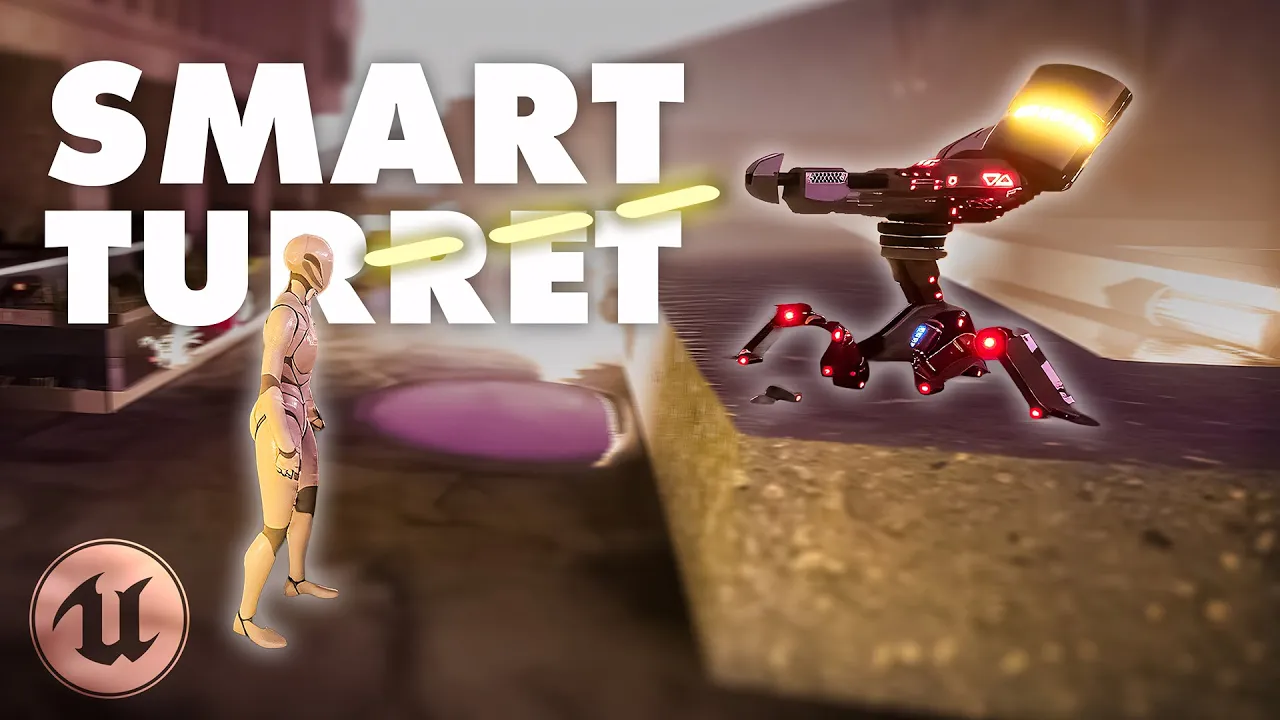
Build a complete turret AI in Unreal Engine 5 with Blueprints: set up in the "Third Person Template", add "Pawn Sensing" for detection, tag the player for lock-on, drive rotation with "Find Look at Rotation", and manage states with "Switch on Enum" between Scan and Attack.
Video Topic
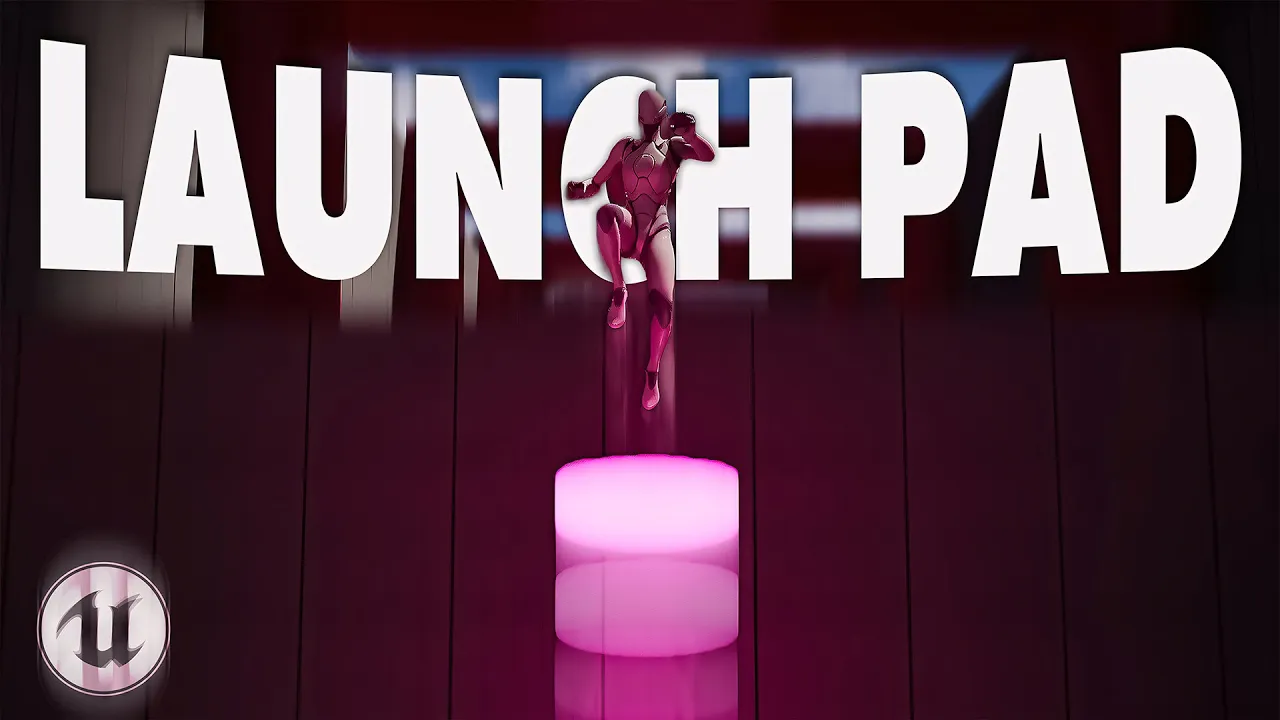
In this video, we build a complete Launch Pad system inside the Third Person Template (Platforming variant) using Blueprints only. You’ll learn how to detect player overlap with a Sphere Collision, launch the character with Launch Character, and refine the mechanic with visual feedback: a moving platform via Timeline + Lerp, and dynamic material switching for glow effects.
The video also explains clean Blueprint logic with Sequence nodes, proper trigger setup, and player-centric design polish. It ends with a short reflection on why game feel matters as much as mechanics—how animation, timing, and feedback shape player psychology.
Video Topic
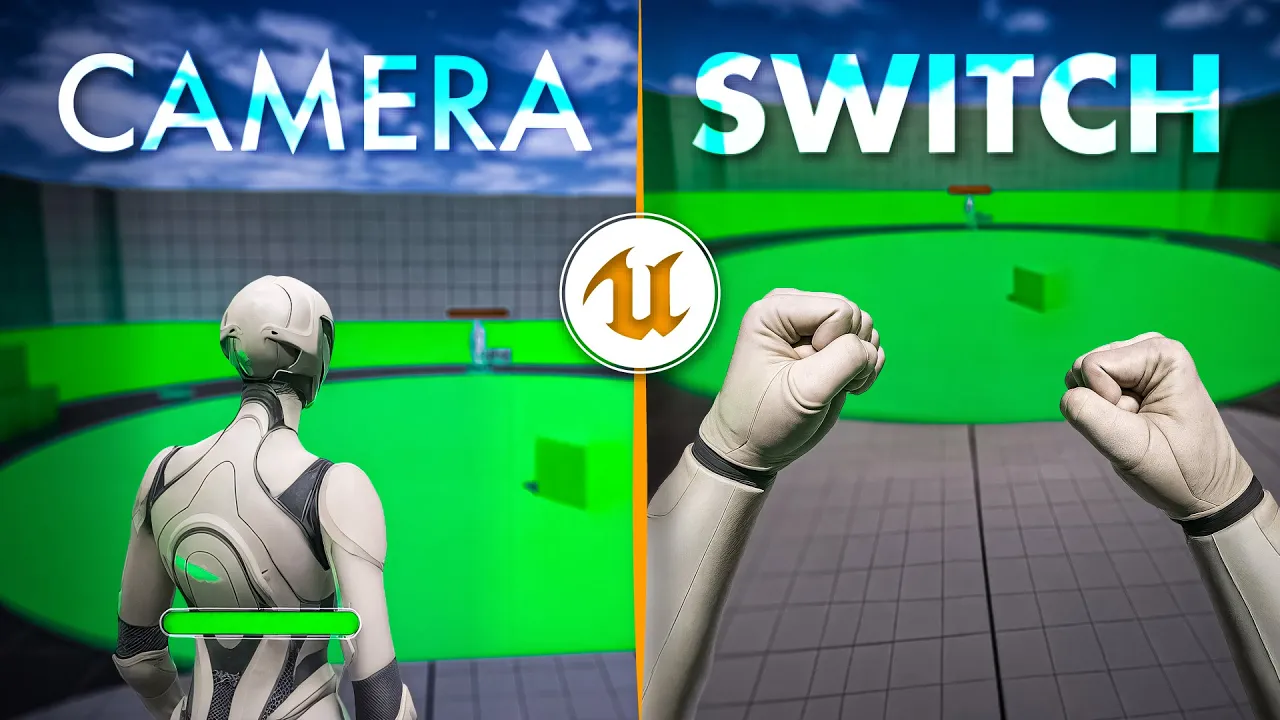
I set up a single key camera switch between FPS and TPS in UE5. Inside the Third Person Template I use two CameraComponents with FlipFlop and Set Active for fast First Person to Third Person switching. For FPS I attach the camera to Head socket. I enable Use Pawn Control Rotation. On the character I set Use Controller Rotation Yaw correctly. I show and fix the axis lock issue. I validate in scene with a practical test and a clean Unreal Engine 5 Blueprint flow.
Video Topic
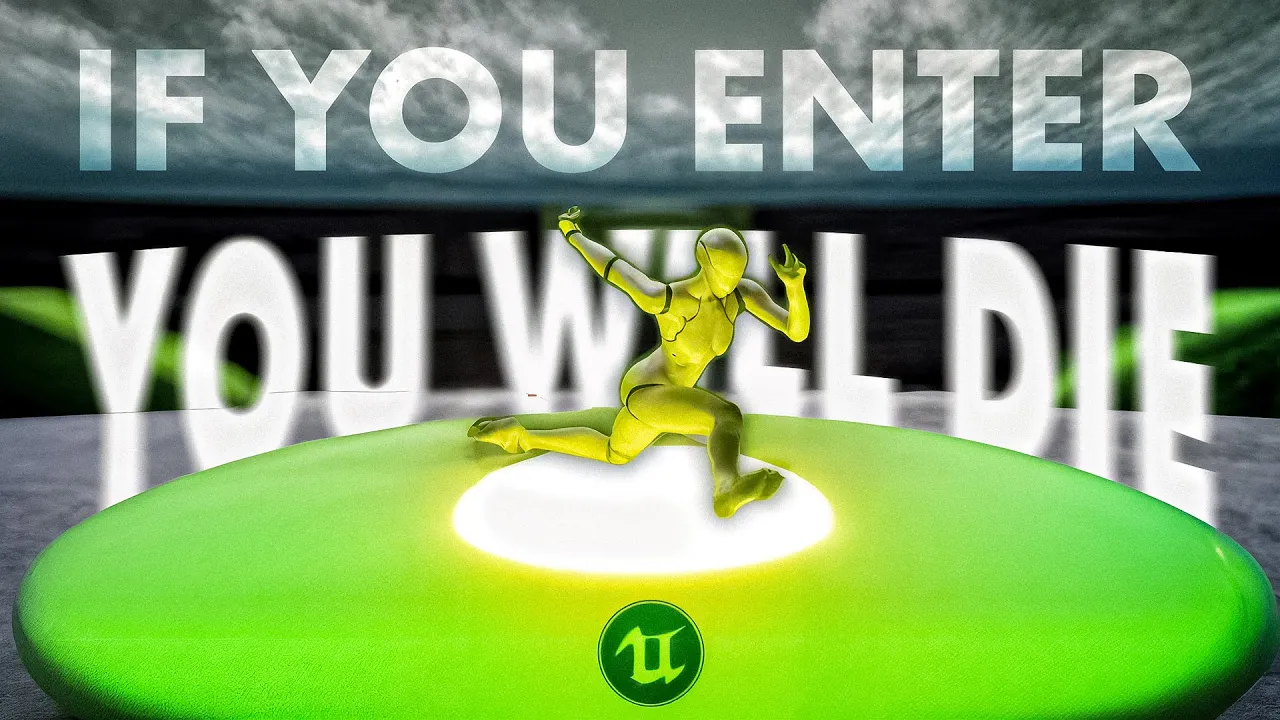
Inside the UE5 Third Person Template, I show how to trigger a Ragdoll (physical collapse) when the character enters a death zone and automatically restart the Level after 2 seconds.
Video Topic
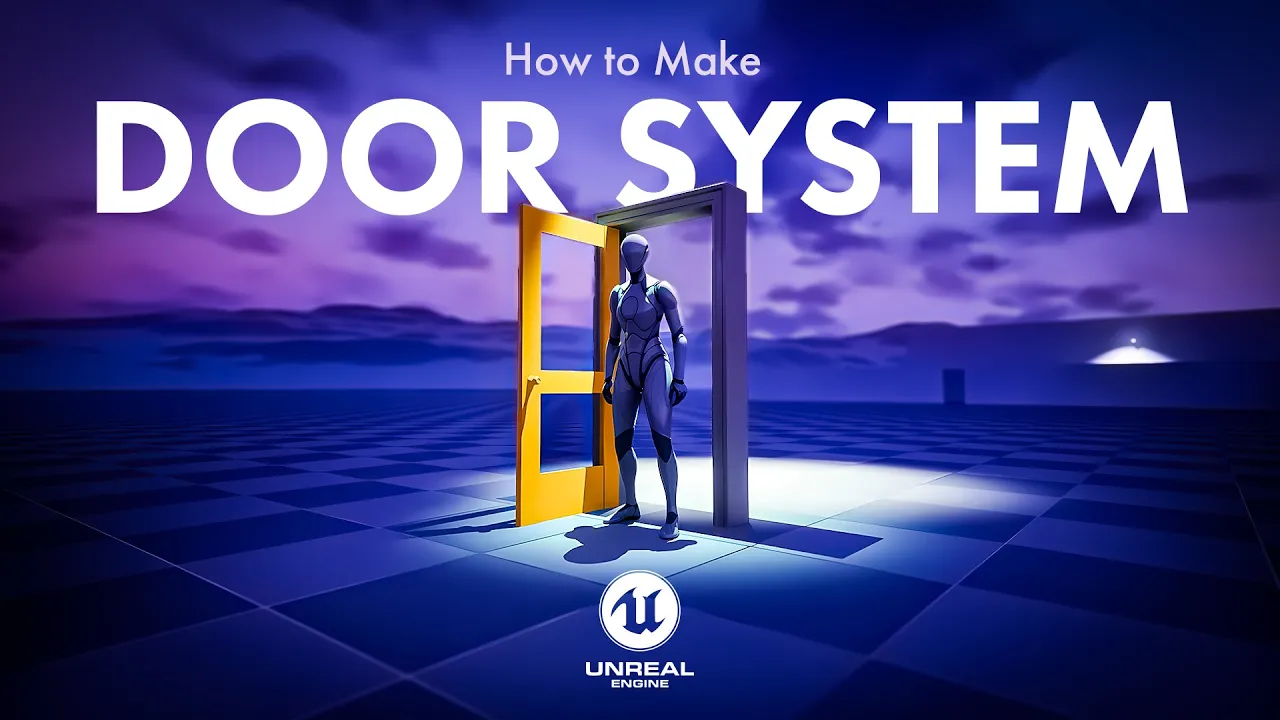
In this video, we’ll dive into Unreal Engine 5 and learn how to create a fully interactive door system step by step. From setting up the blueprint and collisions to using timelines for smooth animations and even adding key-based controls, you’ll get the complete breakdown.
Video Topic
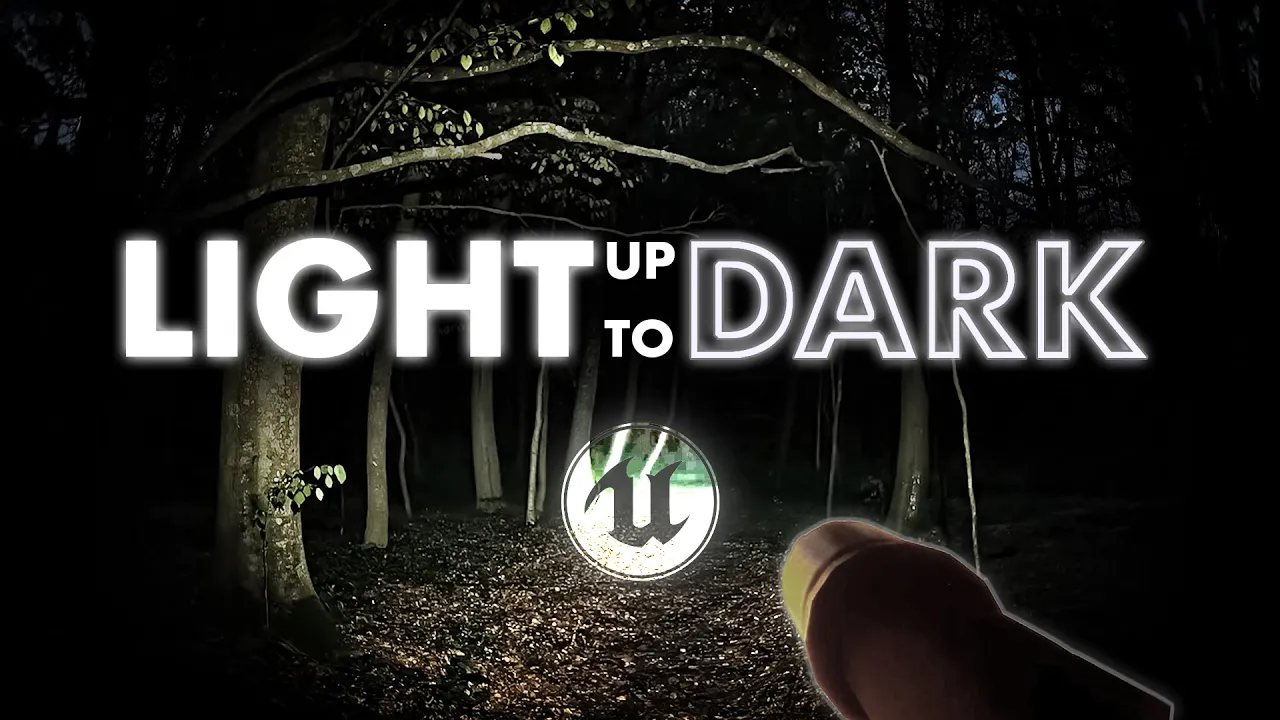
In this video, I show how to build a flashlight from scratch in Unreal Engine 5, more specifically, how to create a toggleable light system that can be turned on and off.

Video Topic
In this video, we build the Dash mechanic of the Hornet character from Hollow Knight: Silksong step by step in Unreal Engine 5 using Blueprints. We combine the essential parts such as importing animations, animation transitions (state machine / transition), the dash logic, and visual effects (camera impact, sense of speed) to create a smooth and playable experience.